TL;DR
- Built a real-time audio visualization engine from scratch in C++ with a custom DSP pipeline and zero-copy GPU data transfer
- Configurable FFT, Peak, and RMS metering pipelines
- 6 interpolation and 3 collation strategies for log-frequency output to abstract out most FFT work for users
- Customizabel asynchronous temporal smoothing, perceptual slopes, hold reactivity, and Hann windowing
- Persistent mapped SSBOs for zero-copy CPU-to-GPU data transfer
- Double-buffered feedback system for ping-pong shader effects
- Hot-reload of shaders, config files, textures, and fonts with on-screen error display
- Expression parser for dynamic buffer sizing based on runtime variables
- 66 MB private memory, flat under sustained hot-reload stress testing
- Consistently running below 5% of a single core of a low-grade consumer laptop (AMD Ryzen 3 7320U)
- Cross platform and cross architecture, tested on Linux, Windows, and Raspberry Pi OS 64
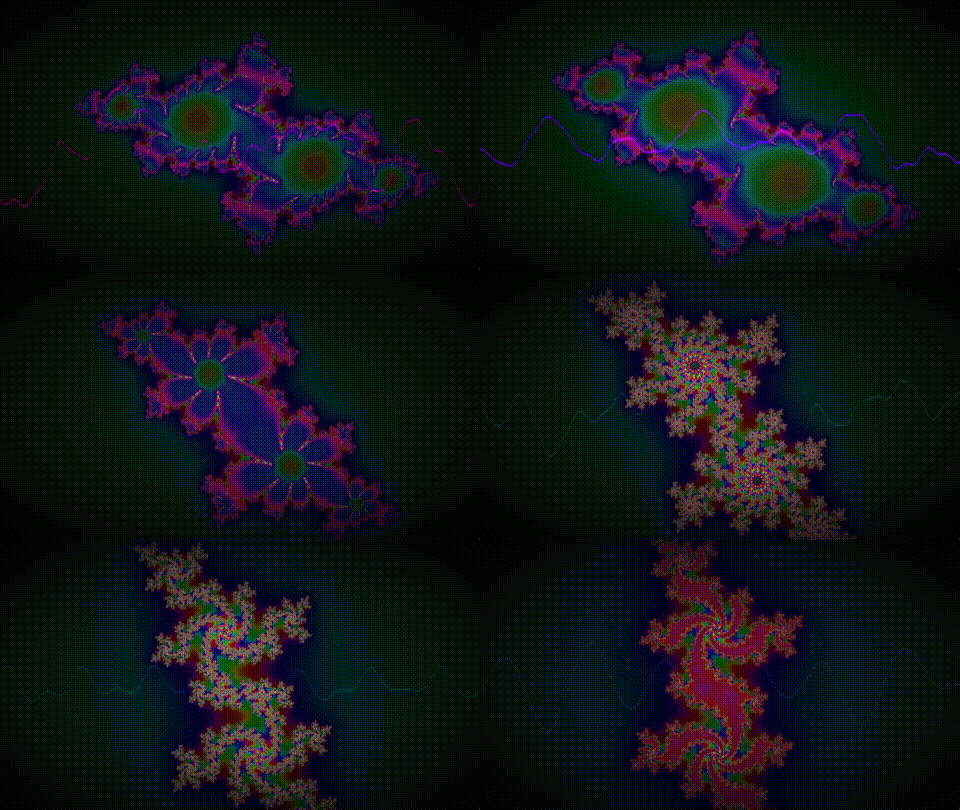
Introduction
This project came from a confluence of things that I wanted to work with, and software I wanted to use: I wanted more experience with graphics programming after how much fun I had with shaders, I wanted more to understand rendering to not have to work directly through engines anymore, and I wanted to build an audio backend that was not reliant on a framework and see how far I can go making analysis tools. I wanted something cool to put on a Raspberry Pi I was given and some experience in developing directly for a target device. Most importantly to me, I wanted to make some fun music visualizers and ShaderToy didn't have much in terms of making that fun or easy.
I remember in 3rd grade I would spend the entirety of the school day staring at the teacher's lava lamp. There's something wildly satisfying about simple moving colors. A few years later, I find out about Windows Media Player and WinAmp's music visualizers, then Xbox's, then so many others and I genuinely can't fathom how much of my life has had a music visualizer on. That's not even counting all the years on stage, or configuring led setups for other folks' shows. I'm weirdly passionate about music and ways to see it, and somehow have the history to back it up. So, when I say, I made this because I wanted to use it; you can know that I mean it. I'm gonna be my biggest user. So, I made sure that I had everything that I wanted.
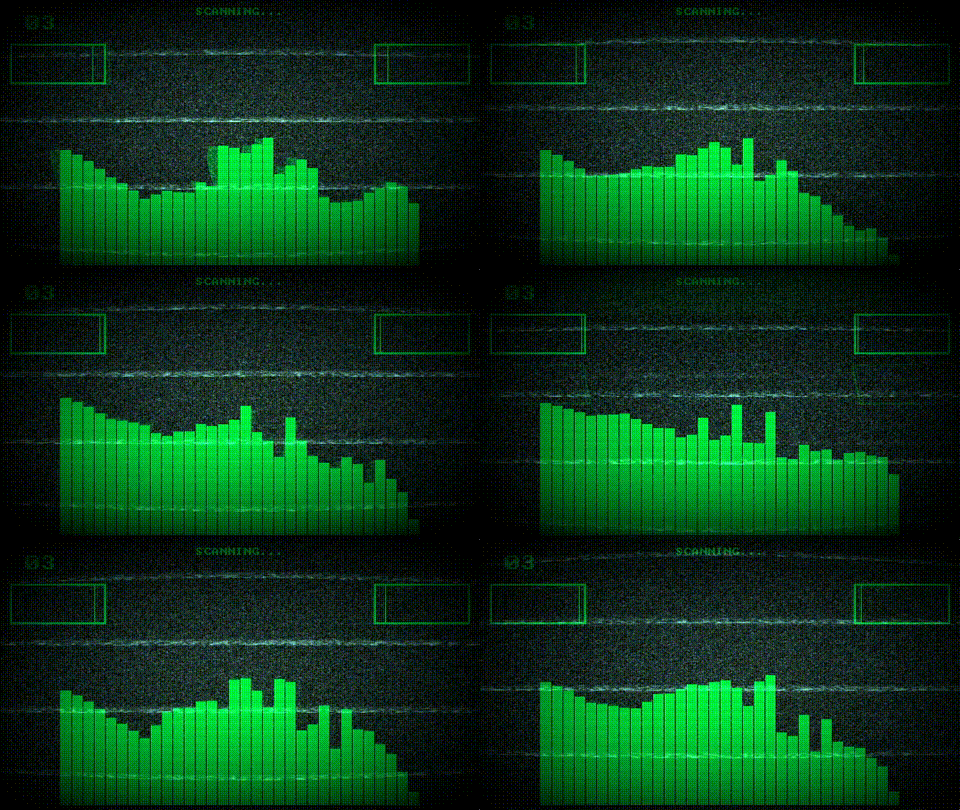
Project Goals
- Give shader authors direct, highly configurable access to real-time audio analysis data
- Support rapid iteration with instant hot-reload on save
- Keep the audio and rendering pipeline lean enough for a Raspberry Pi 4
- Make the audio backend reusable and modular for other projects
- Provide sensible defaults so a minimal shader works immediately
- Handle all errors gracefully with on-screen feedback, never crash
- Make an engine that's able to handle the silliest visualizer or strictest of analysis
The first place I knew to start was what I knew well and knew I could get up and running fast, while being generic enough to handle all the changes iteration will surely cause: the audio. The order of this architecture very close mirrors the order that I chose to build this: audio capture, analysis, formatting, rendering, file input to configure that formatting and rendering, then finally the shader swapping and error handling.
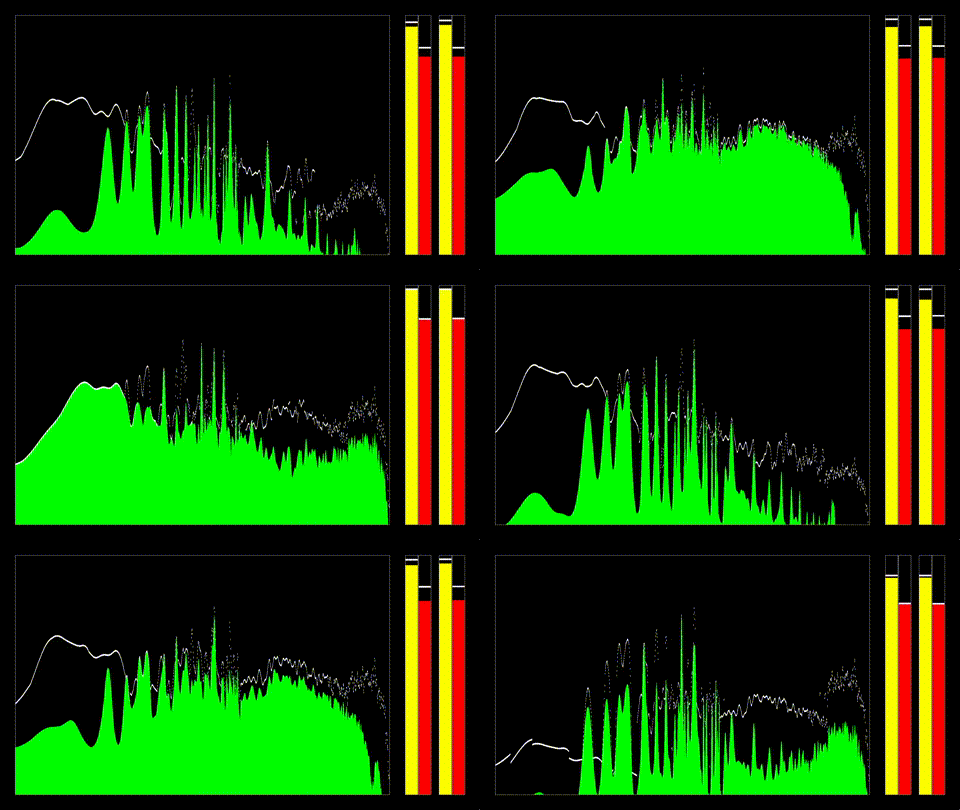
System Architecture
The engine is structured as a pipeline with clear boundaries between these sections:
    Audio Thread (miniaudio callback)
            |
    Ring Buffer (lock-free, Max FFT size * 2, atomic interactions)
            |
    Main Thread: Accumulate hops, run FFT, measure Peak/RMS
            |
    AVBridge: Format, interpolate/collate, smooth, track holds
            |
    GPU Buffers: Persistent mapped SSBOs (6 bindings)
            |
    User Config: Parse and compile user input. Set uniforms, bridge settings, and textures
            |
    Fragment Shader: User GLSL with injected header
            |
    Shader System: Hot-reload, handle errors, and swap shaders on user input
Audio Capture and Ring Buffer
Audio capture mostly runs on miniaudio's dedicated callback thread, writing into a lock-free ring buffer. The main thread consumes hop-sized windows from the ring buffer, runs FFT analysis, and formats the output through the AVBridge layer. Formatted data is written directly into persistent mapped GPU buffers with no intermediate copies, and the shader runs every frame at vsync. Audio capture is also in change of device enumeration for users to choose their desired audio device and reconfiguring when the user swaps the audio device.
System audio is captured through miniaudio's loopback/monitor device at the system's native sample rate and channel count. The capture callback writes interleaved float samples into the ring buffer using atomic index management.
The ring buffer stores channel count internally so all external interfaces operate in frame counts rather than sample counts. The main thread tracks accumulated frames with an atomic counter and consumes hop-sized windows for overlapped analysis.
A mono-summed window extraction method reads from the ring buffer and averages across channels in a single pass, avoiding a separate mixing step before FFT input.
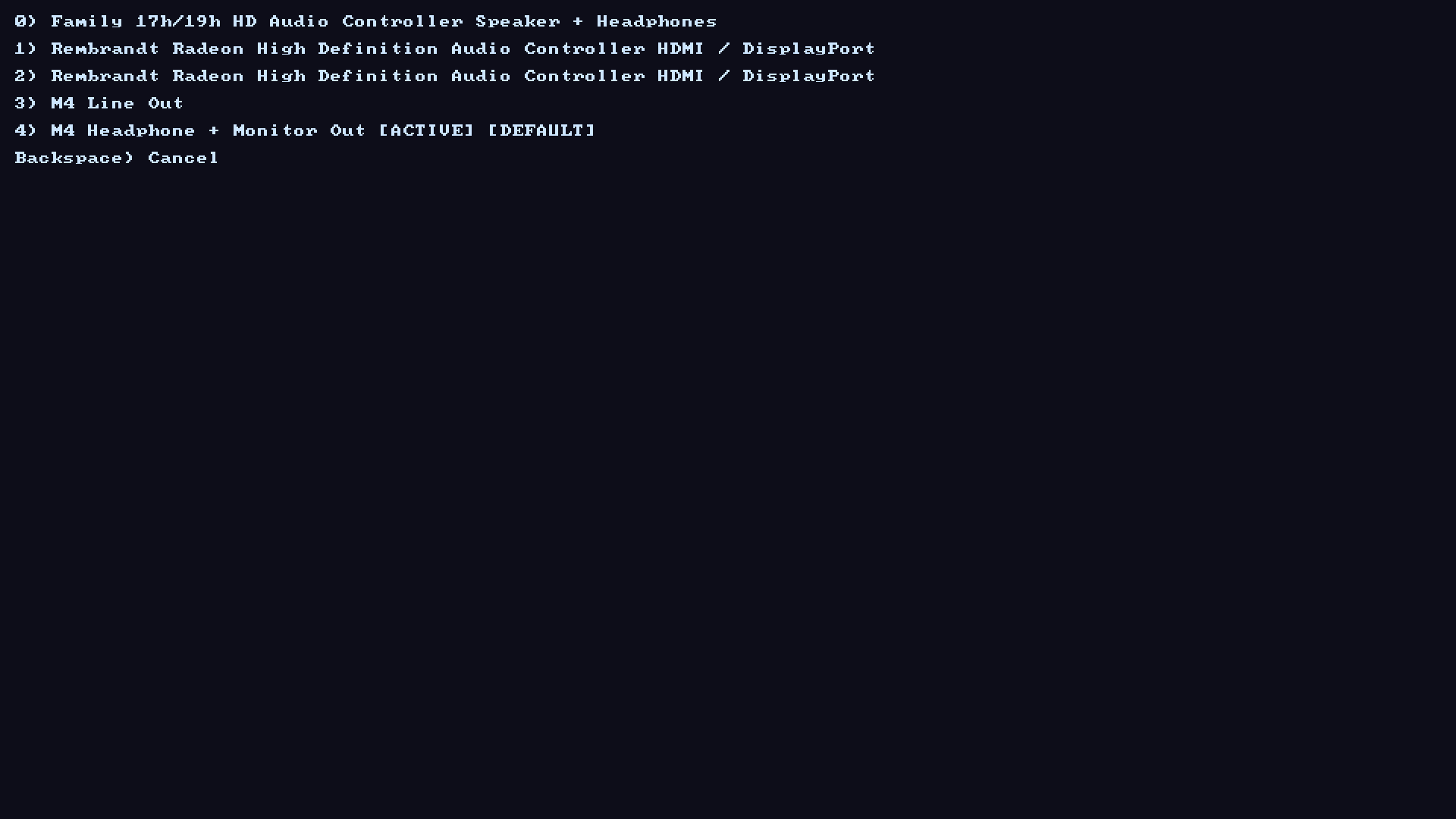
An example of the audio device listing menu.
FFT and Spectral Analysis
The FFT uses FFTW3 (float precision) with a real-to-complex plan. The engine runs at a user defined FFT order and overlap percentage.
Before the transform, an optional Hann window with energy normalization is applied. After the transform, output is converted to power, magnitude, or decibels depending on the shader's spec configuration. An optional perceptual frequency tilt and FFT power recuperation are applied through a cached scalar table, supporting any slope the user would want. After this, the user can define a time over which to normalize this output for an output similar to WinAmp's Milkdrop.
Peak and RMS measurements are computed per-channel or mono-summed from the same audio window used for FFT, keeping time alignment between spectral and level data.
Custom-Size FFT Output
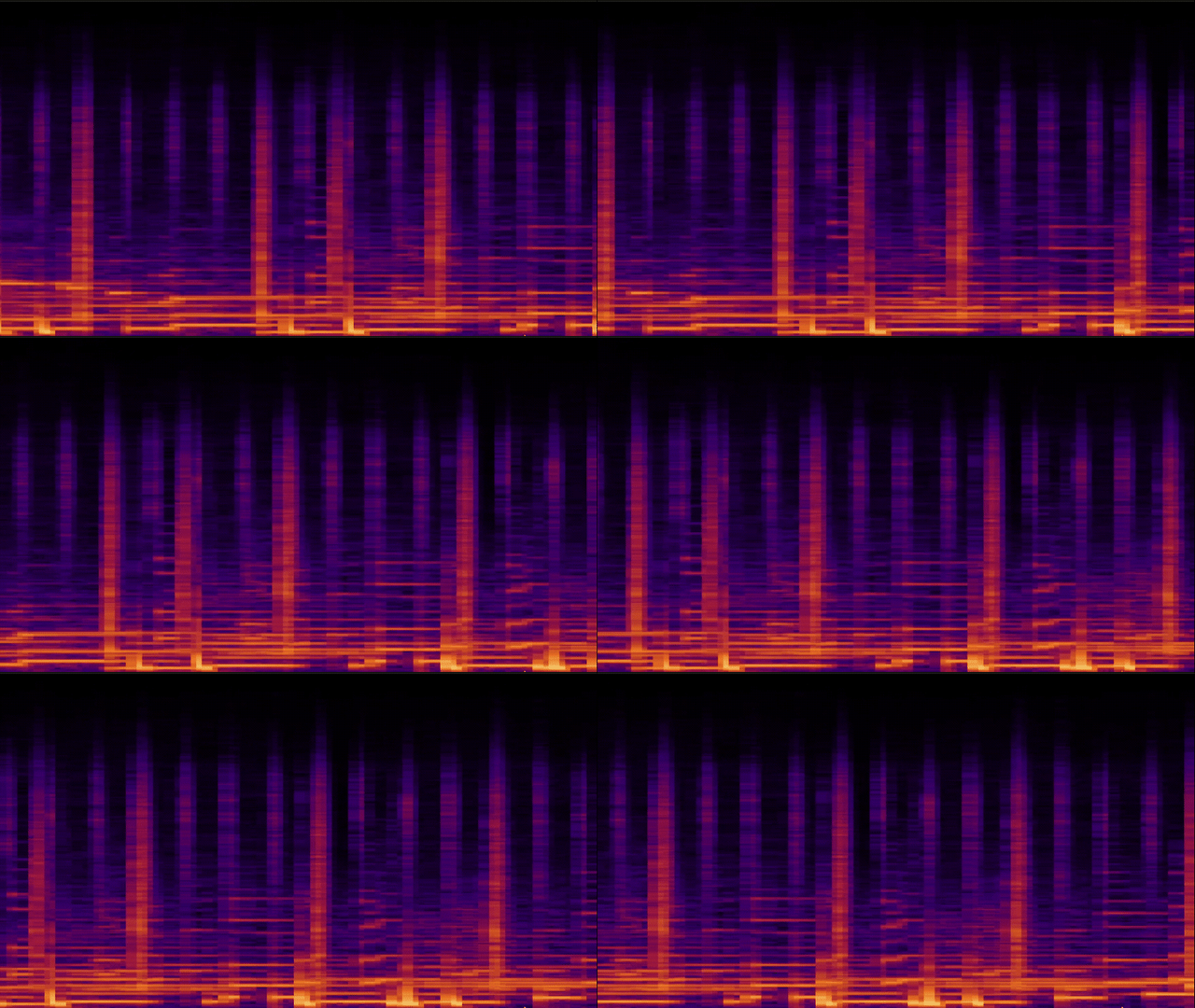
The most complex part of the pipeline is the custom-size FFT output mode, which remaps raw FFT bins onto an arbitrary number of output indices using logarithmic frequency spacing. This is the feature that lets shader authors write customFFTSize = WINDOW_WIDTH in their config and get one FFT value per pixel column, without ever thinking about frequency-to-bin math.
The output is split into two regions based on bin density. Below a computed crossover frequency, output indices are sparser than FFT bins, so the engine interpolates between bins. Above the crossover, multiple bins map to each output index, so the engine collates them.
Six interpolation strategies are available for the low end:
- Linear: simple two-point interpolation
- PCHIP: Piecewise Cubic Hermite with Fritsch-Carlson slopes for monotone output
- Lanczos: 4-lobe windowed sinc for sharp reconstruction
- Gaussian: weighted average with no overshoot
- Cubic B-Spline: very smooth, slightly blurs peaks
- Akima: local cubic resistant to outlier distortion
Three collation strategies handle the high end:
- RMS: root mean square of bins per output range
- Peak: maximum value per range
- Power-Weighted Mean: emphasizes louder components in each range
The crossover point is computed dynamically based on where bin density exceeds index density, so the transition adapts automatically to different output sizes and sample rates.

Temporal Smoothing and Peak Holds
Raw spectral data changes dramatically between analysis frames. To produce visually stable output, the engine applies asymmetric temporal smoothing with separate attack and release times.
Smoothing is implemented as a Structure-of-Arrays (SoA) layout: parallel vectors for current values, target values, per-element increments, and remaining step counts. This keeps the whole structure cache friendly. When a new target is set, the step count and increment are calculated once based on whether the value is rising (attack) or falling (release). During steady state, elements that have reached their target skip all smoothing math entirely.
Peak hold tracking runs on top of the smoothed output. Each element maintains a countdown timer. While the timer is active, the hold value stays locked. After it expires, the value decays exponentially by a configurable scalar per frame. If the current smoothed value exceeds the hold at any point, the hold resets to the new peak and the countdown restarts.
Both systems operate on the FFT output array and the peak/RMS measurements independently, with all timing parameters configurable per-shader through the spec file.
GPU Buffer Architecture
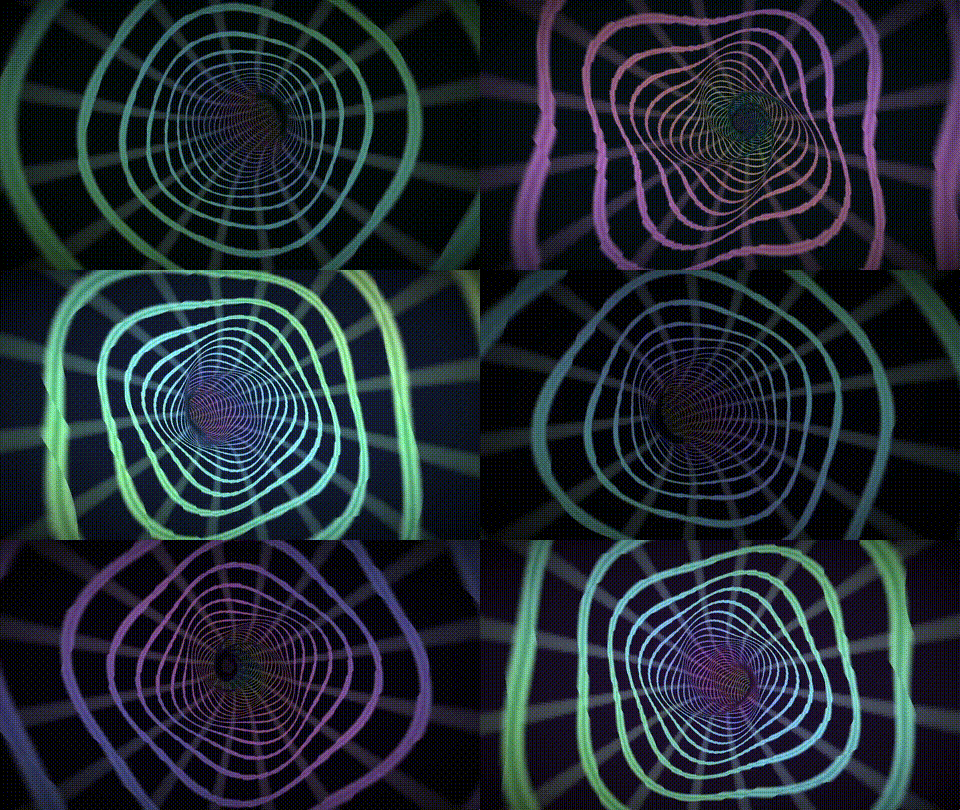
Data reaches the GPU through seven shader storage buffer objects (SSBOs) using persistent mapped memory:
- Binding 0: Peak/RMS data (2-4 floats depending on channel mode)
- Binding 1: FFT output array (size varies by config)
- Binding 2: Peak/RMS hold values
- Binding 3: FFT hold values
- Bindings 4-5: Double-buffered feedback (ping-pong)
- Bindings 6: Raw Sample data from each hop
Buffers are allocated with GL_MAP_PERSISTENT_BIT and GL_MAP_COHERENT_BIT, giving the CPU a pointer that remains valid for the buffer's lifetime. Each frame, the engine writes directly through this pointer with a single memcpy per buffer, avoiding the overhead of glBufferSubData or repeated map/unmap cycles.
The feedback buffer pair implements a GPU-side ping-pong: each frame the engine flips which SSBO is bound as readonly (binding 4) and which is writeonly (binding 5). The shader reads last frame's output from feedbackIn[] and writes this frame's state to feedbackOut[]. This enables spectrograms, particle systems, trails, and any effect that needs frame-to-frame persistence, all without compute shaders or render-to-texture passes.
Along with these are a single UBO of over 20 uniforms to ensure that a shader will have any of the information that it would want from the engine and the devices it is running on.
Texture and Font Support
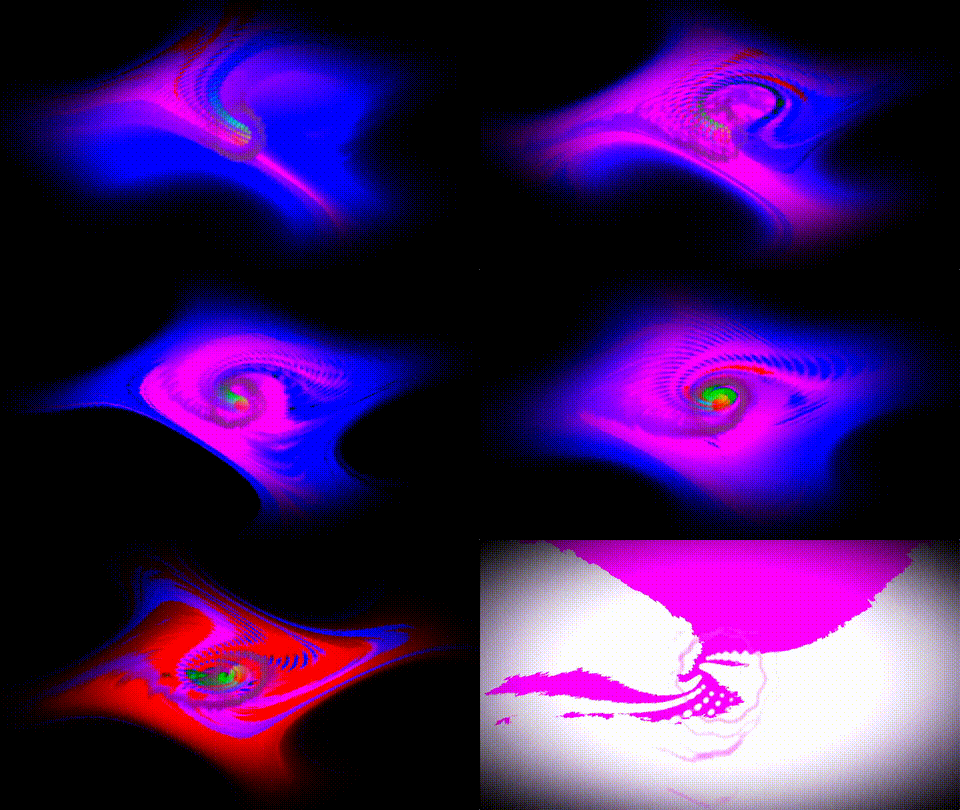
Each shader and spec can be used to define texture or font files within the directory to use as uniforms in the shader.
This was done by integrating the STB headers stb_truetype, stb_image, and stb_rectpack to store the user defined images or ttfs into usable data for the shader without the need for more dependencies than a few public domain headers.
Shader System and Hot-Reload
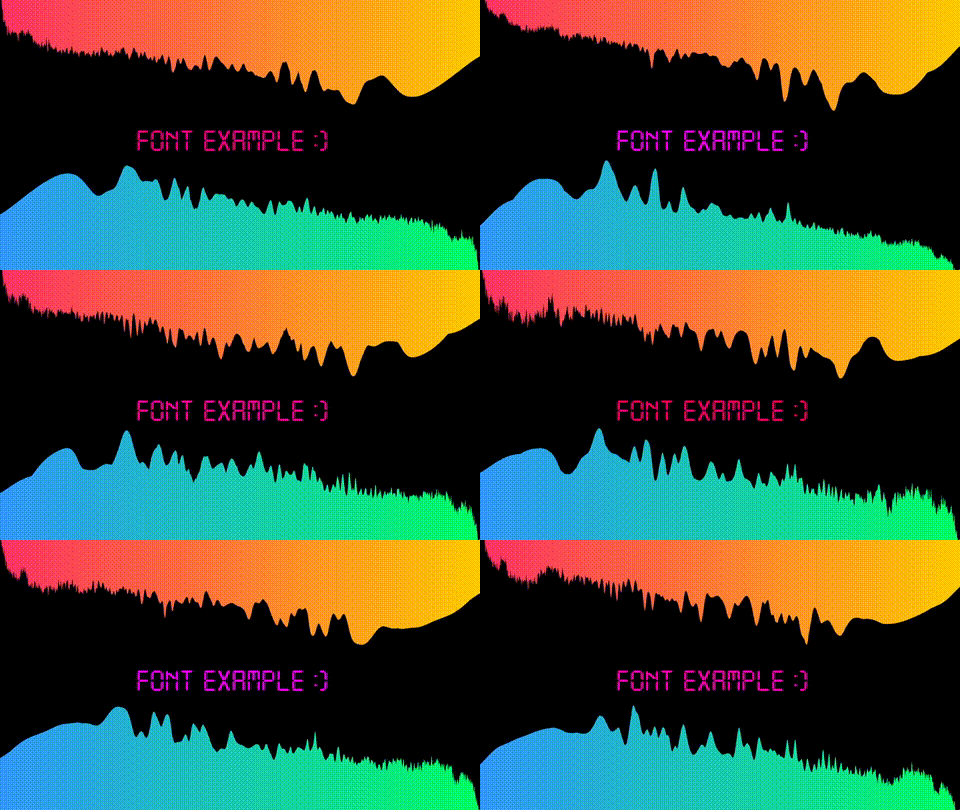
Each shader preset is a directory containing a frag.glsl and an optional spec.cfg. On startup, the engine loads all preset directories, compiles each shader with an injected header providing uniforms, SSBOs, coordinate helpers, and a built-in bitmap font. Invalid presets are flagged and displayed using a built-in error shader that renders the error message directly on screen.
Hot-reload works by putting platform specific file watchers on a background thread (iNotify for Linux and ReadDirectoryChanges for Windows) and polling a queue that these watchers will report to each frame. When a change is detected, the engine reloads the fragment source and spec, attempts to compile the new shader, and if successful, swaps the audio configuration, resizes GPU buffers, and begins rendering the updated shader or will only upload the new texture or font if that was all that was changed. If compilation or parsing fails, the error is displayed and the previous working state is preserved.
The spec parser supports a key-value format with comments, enum values by name or index, and math expressions for buffer sizes. Expressions can reference runtime variables like WINDOW_WIDTH, SAMPLE_RATE, and FFT_SIZE, allowing buffer sizes to adapt dynamically to the display and audio environment. The expression evaluator handles addition, subtraction (clamped to zero), multiplication, division (with zero-check), and parenthesized grouping, with all intermediate math in double precision before truncating the final result to an unsigned integer. The feedback buffer size can even utilize the customFFTSize variable which is made by an expression as well.

Error Handling Philosophy
A core design goal was that nothing the user does in their shader or config file should ever crash the engine. Shader compile errors, spec parse errors, missing files, deleted directories, and invalid buffer sizes all result in on-screen error messages rather than segfaults or silent failures. The error shader renders text using the built-in CP437 bitmap font, with the character array and length cached so the GPU upload only happens when the message changes.
Buffer sizes are clamped against both a hardcoded maximum and the GPU's reported GL_MAX_SHADER_STORAGE_BLOCK_SIZE. SSBO binding count is checked at startup against the engine's requirement of seven bindings. Texture paths are validated to reject directory traversal before any filesystem access.
Results From Profiling
The engine's total resident memory (RSS) is approximately 150 MB, but the proportional set size (PSS) is around 83 MB, with most of the shared portion being common libraries (libc, libGL, etc.) that would be loaded regardless.
The meaningful number is 66 MB of private anonymous memory: heap allocations, stack, audio buffers, FFT working memory, smoothing arrays, and GPU driver state. This stayed completely flat across extended hot-reload stress testing with rapid shader and config swaps, confirming no leaks in the reload path.
For context, ShaderToy running in a browser tab typically consumes 150-300+ MB due to browser overhead. At 66 MB private for a standalone engine with real-time audio analysis, extremely configurable data output strategies, and persistent GPU buffers, the footprint is lean.
The engine runs comfortably on a Raspberry Pi 4 (VideoCore VI, OpenGL ES 3.1) at 1080p for all example shaders. Feedback shaders using full-resolution buffers (W * H * 4 floats) can exceed the Pi's SSBO limits at higher resolutions, which the engine handles gracefully by clamping to the GPU's reported maximum.
What I Learned
- Entirely controlling my own threading, data pipeline, callbacks, and rendering
- Designing a modular audio analysis pipeline through generic configurable components
- Abstracting shared behavior so new analysis modes and output strategies slot in with ease
- Building a tool for creative output with as much assistance, error handling, and frictionless output as possible
- Cross-architecture deployment targeting both x86_64 and ARM (Raspberry Pi 4)
- Memory, CPU, and GPU profiling across OS and architectures
- Writing technical documentation aimed at creative users rather than engineers
Summary
audio_vis is a real-time audio visualization engine built around giving shader authors direct, configurable access to spectral analysis data. The project spans system audio capture, real-time DSP, GPU buffer management, shader compilation, file watching, expression parsing, and cross-architecture deployment. It prioritizes correctness, graceful error handling, and fast iteration, making it both a creative tool for writing audio-reactive shaders and a technical demonstration of how these systems connect end to end.